
For real estate agents · iPhone
Your posts, already written.
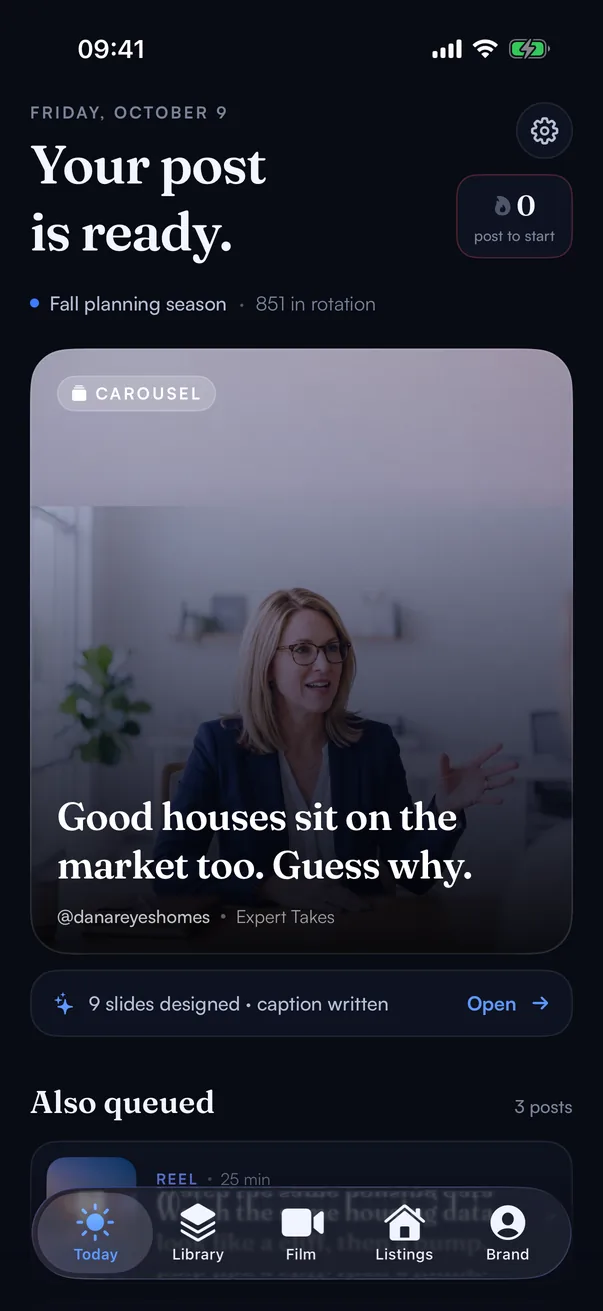
Every morning KeyHaus hands you the day’s post: the hook, the designed slides, the caption, and your name and brokerage on the end card. Swap a photo if you like. Then post.
Free to start. Today’s first post is free, every day. No account needed.
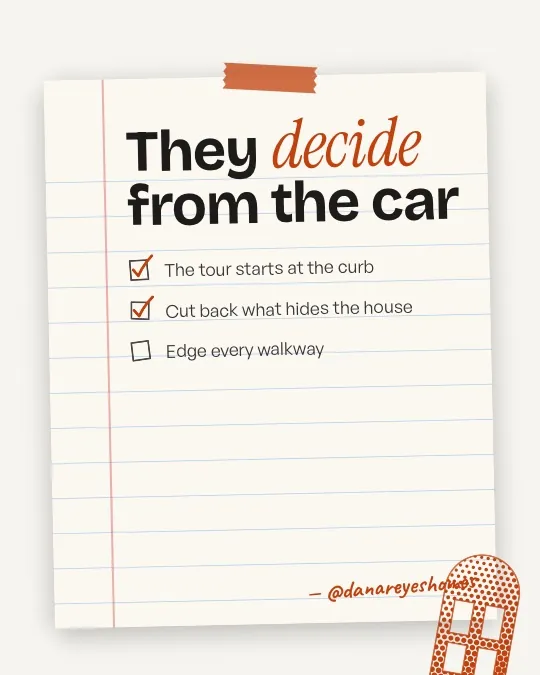
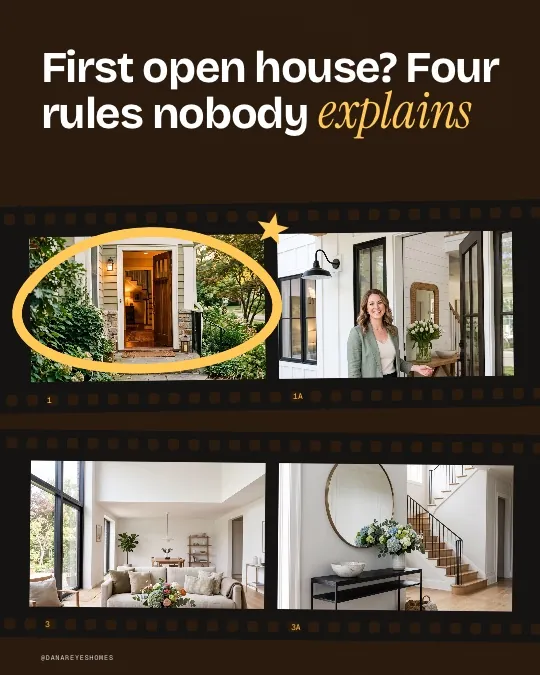
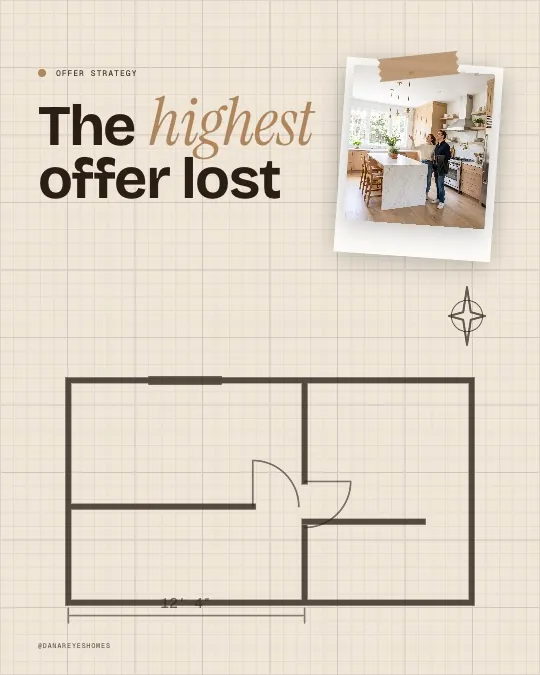
919 posts, written and designed. Here are a few.
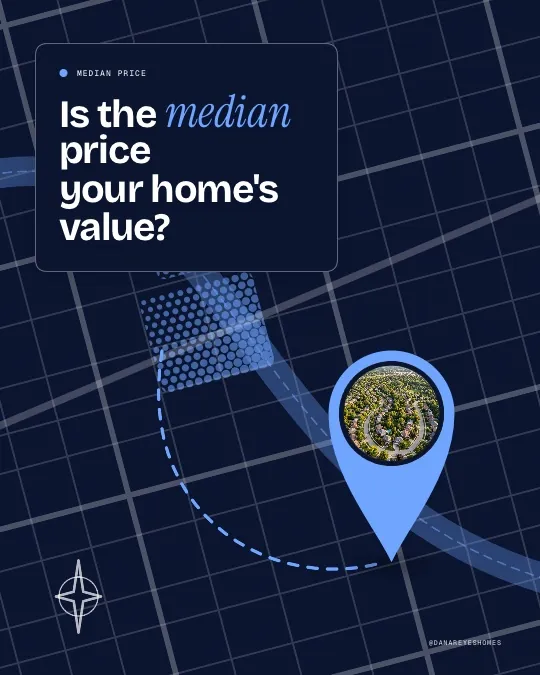
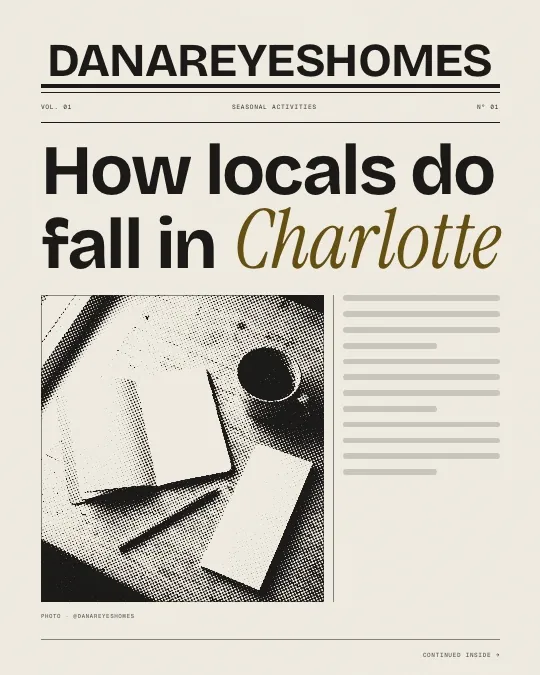
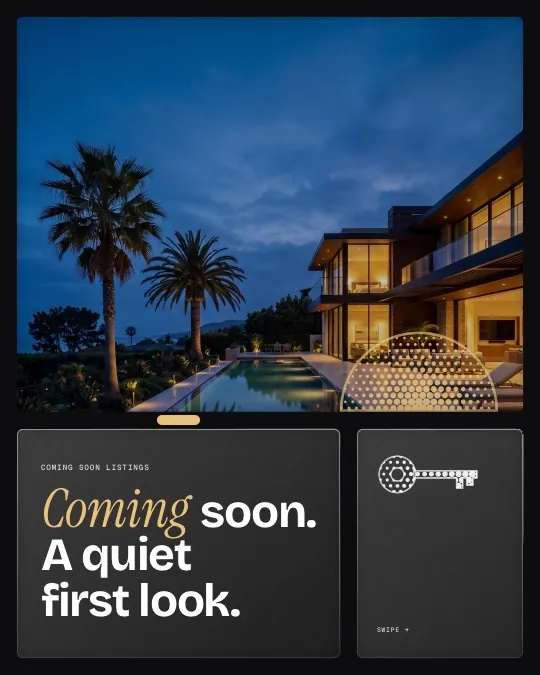
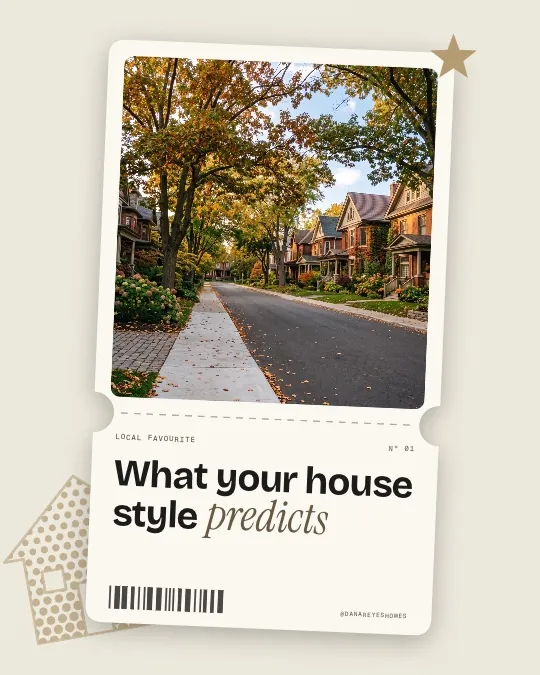
Market numbers, buyer and seller tips, neighborhood notes, open houses, listings and more, filled in with your city.






How it works
The post is done before you open the app.
Open KeyHaus
Today’s post is waiting: written, designed, and filled in with your city, neighborhood and handle.
Make it yours, or don’t
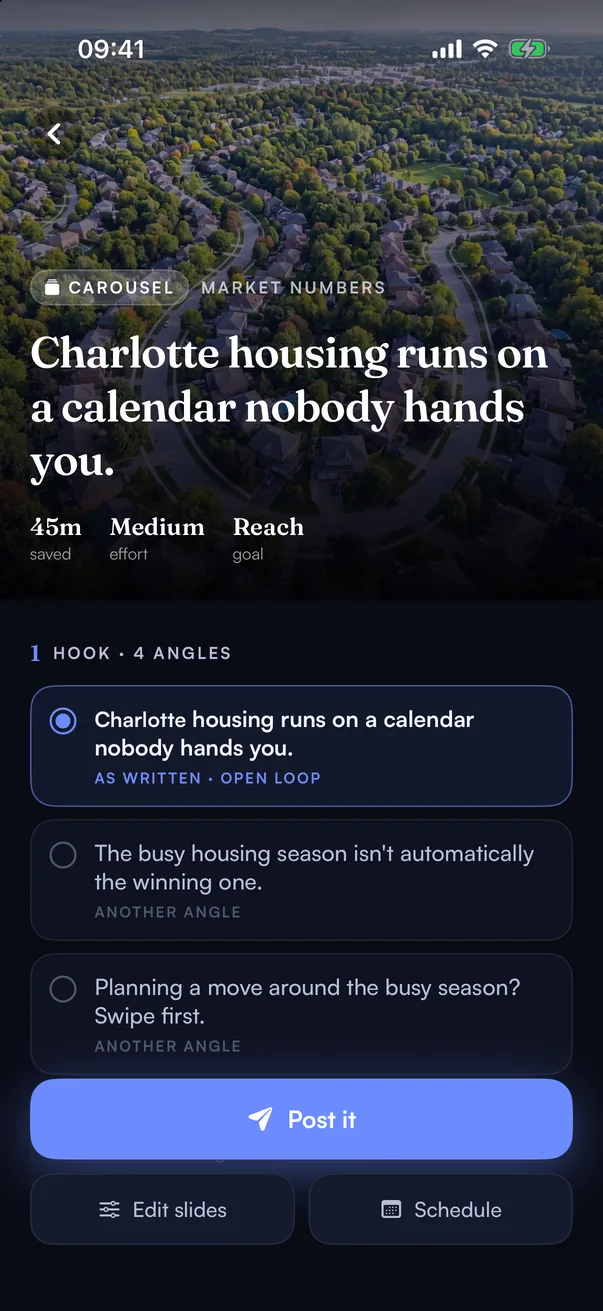
Pick one of four opening lines, put your own photo in, change a word. Or leave it as it is.
Post it
One tap makes the slides at full Instagram size, copies the caption and opens the share sheet.
The library
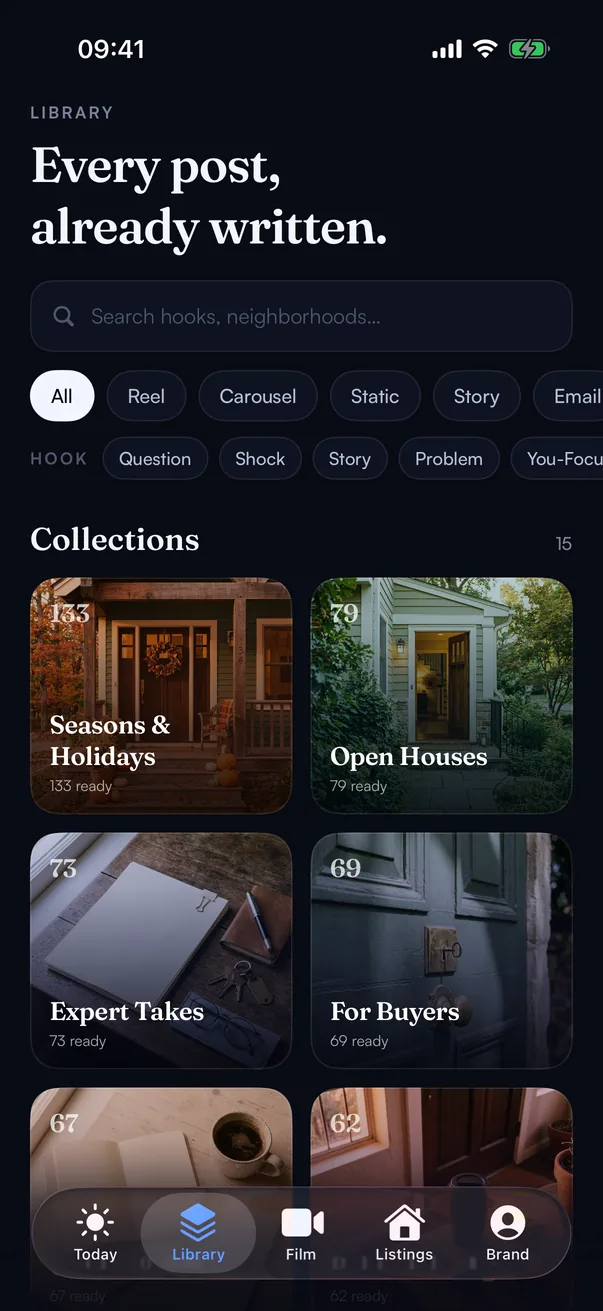
Every post, already written.
Carousels, reels, stories, single posts, emails and follow-up texts across 15 collections, written for agents and ready to go out under your name.
- Four opening lines on every post, each from a different angle, like a question, a surprise or a story.
- A plan every morning, varied by format and angle.
- Your details filled in: city, neighborhood, handle, brokerage.
The designs
Designed, not templated.
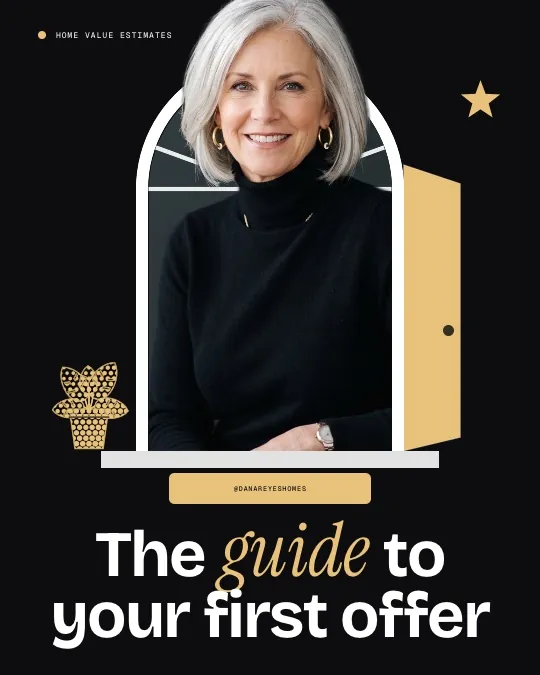
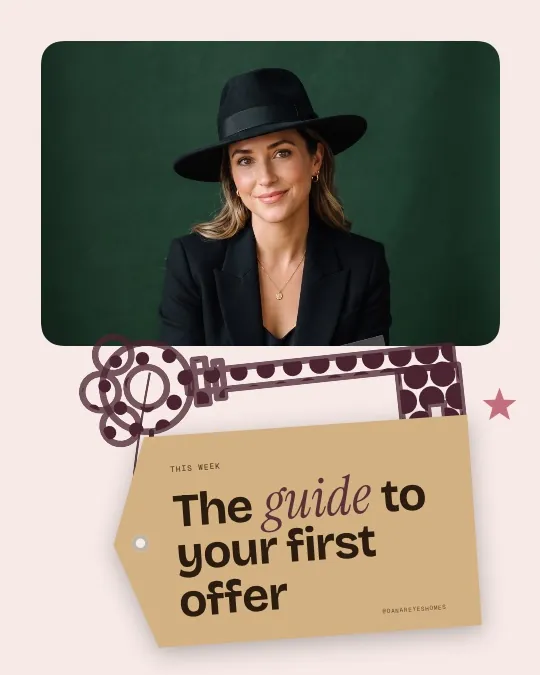
66 cover designs and 20 slide styles with real typography: frosted glass, halftone print, front doors, yard signs, skylines and street maps, picked to suit each post.
- Stand in front of your headline. KeyHaus cuts you out of your own photo, right on your phone.
- Change anything: words, layout, fonts, sizes, spacing, colours and filters.
- Your end card on every carousel, with the brokerage line most states require.






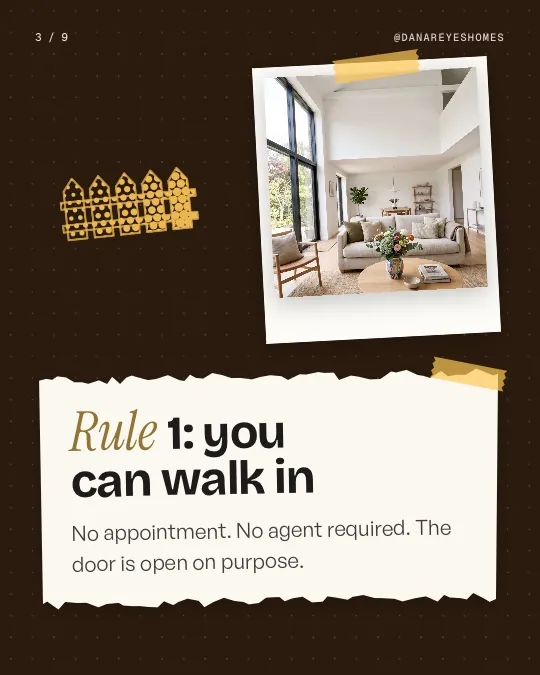
Open-house rules Swipe →
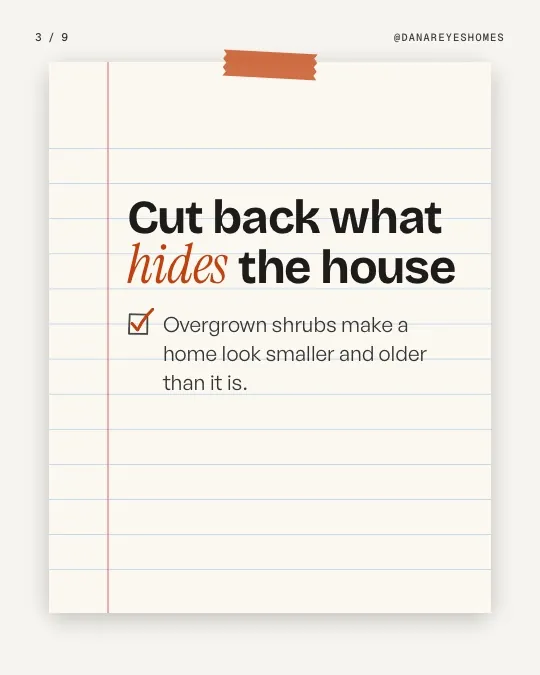
Curb appeal checklist Swipe →


After the inspection Swipe →
Listing reels
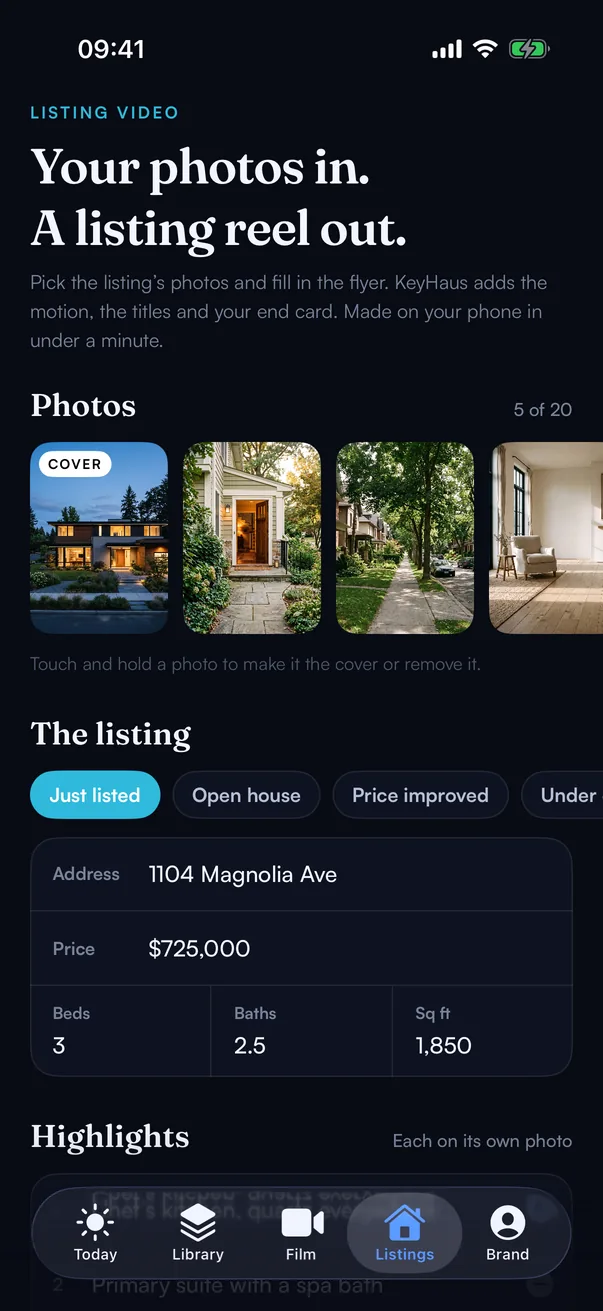
Your photos in. A listing reel out.
Pick the listing’s photos and fill in the address, price and highlights. KeyHaus adds the motion, the titles and your end card, made on your phone in under a minute.
- Just listed, open house, price improved, under contract and just sold.
- Up to ten highlights, each on its own photo.
Film
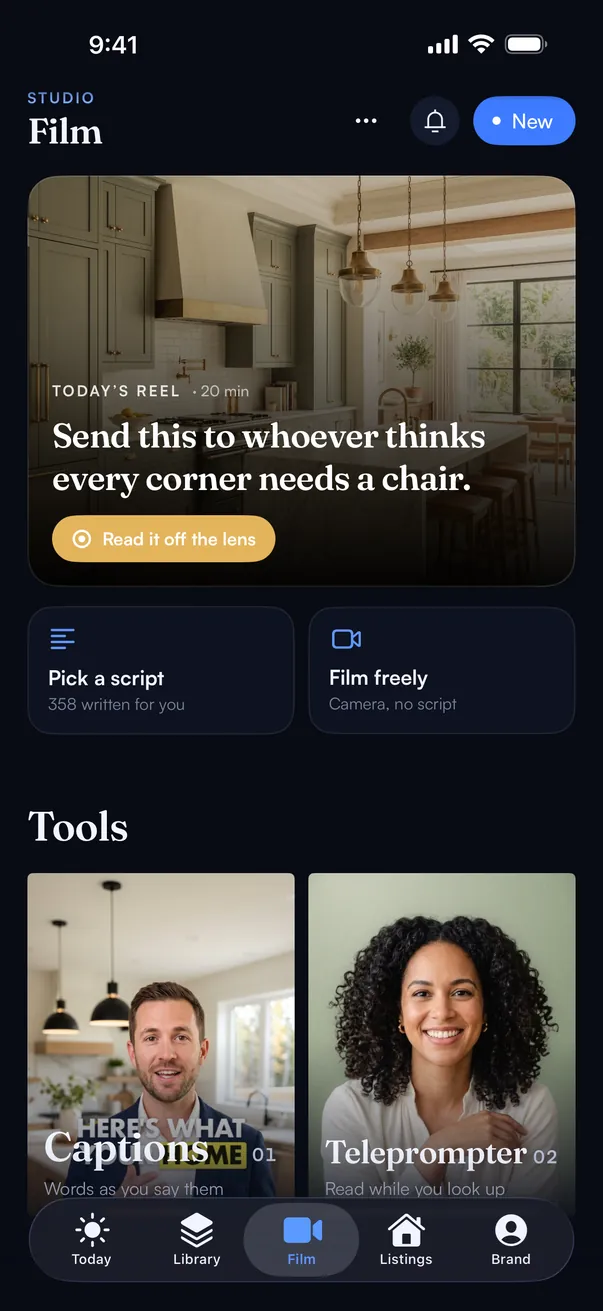
Read it off the lens.
Every reel script opens for a quick edit, then loads into a teleprompter beside the camera. Film it in takes, then finish it in a full editor with captions, looks and themes.
- 358 reel scripts, or film freely without one.
- Only the words on the prompter. Filming notes sit on a card beside it.
Your brand
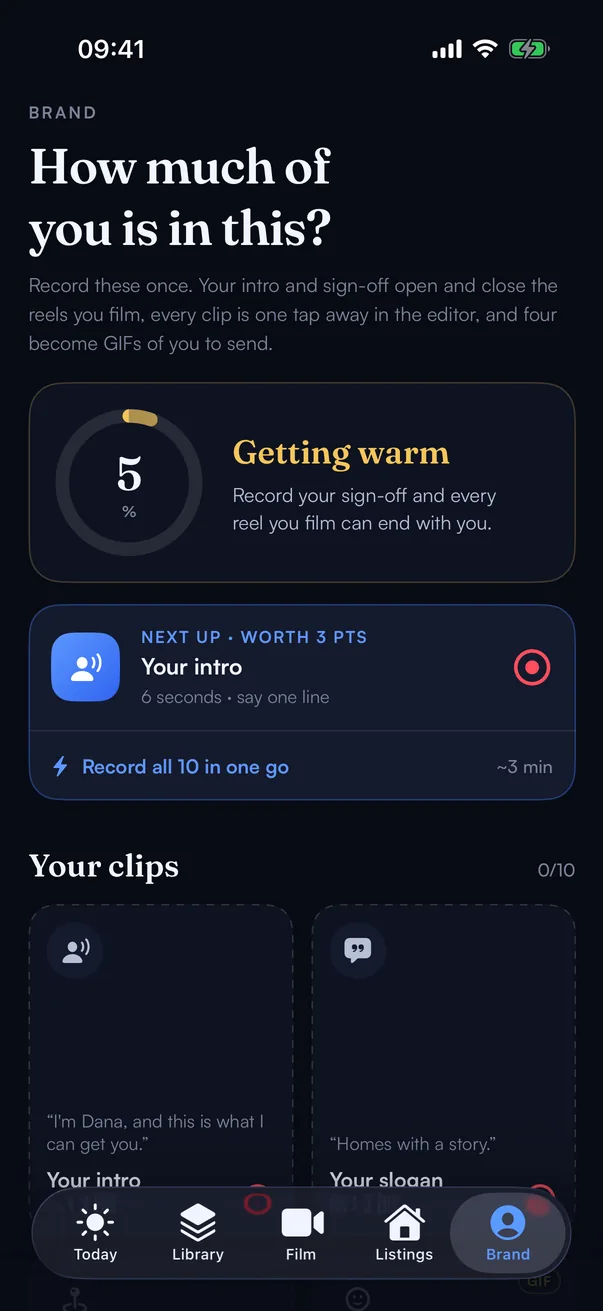
Record yourself once.
Film your intro, your sign-off and a few moments of you. They open and close the reels you make, drop into any video, and your reactions become GIFs to send in texts and emails.
- Ten short clips, each a few seconds, with the line to say under the lens.
- Your logo and photo on every end card.
No account. No tracking.
Your profile, photos and videos stay on your phone. KeyHaus has no ads, no analytics and nothing to sign up for.
Pricing
Start free. Go Pro when it pays.
Free
$0
Forever, no card.
- Today’s first post, free every day
- Written, designed and ready to share
- No account needed
KeyHaus Pro
$29.99/ month
or $199.99 a year, about $16.67 a month, with a 7-day free trial.
- The whole library: 900+ posts, scripts, emails and texts
- Listing reels from your photos
- Every look and theme, and 4K export
- Your end card only, no KeyHaus card
Prices in US dollars. Subscriptions are billed to your Apple Account and renew automatically unless cancelled at least 24 hours before the end of the period. Manage or cancel any time in your Apple Account settings.
Questions
Good to know.
Does KeyHaus post for me?
Instagram and TikTok don’t let apps post to personal accounts. Instead, schedule a post: at the time you pick, KeyHaus reminds you and opens the finished post, one tap from sharing.
Do I need an account?
No. Open the app, add your name, brokerage and city, and today’s post is ready.
Where does my stuff live?
On your phone. KeyHaus doesn’t collect personal data, and there are no ads, analytics or tracking. See the privacy policy.
What’s the brokerage line on the end card?
Your name, brokerage and license number, which most states require on agent advertising. You set it once and it goes on every end card, listing reel and caption.
Is KeyHaus on Android or the web?
iPhone first. Android is coming soon.
Can I cancel any time?
Yes. Subscriptions are handled by Apple, so you can cancel in your Apple Account settings in a few taps.